Property guides / Practical guide
Retail Security Cameras: Cover the Moments That Matter
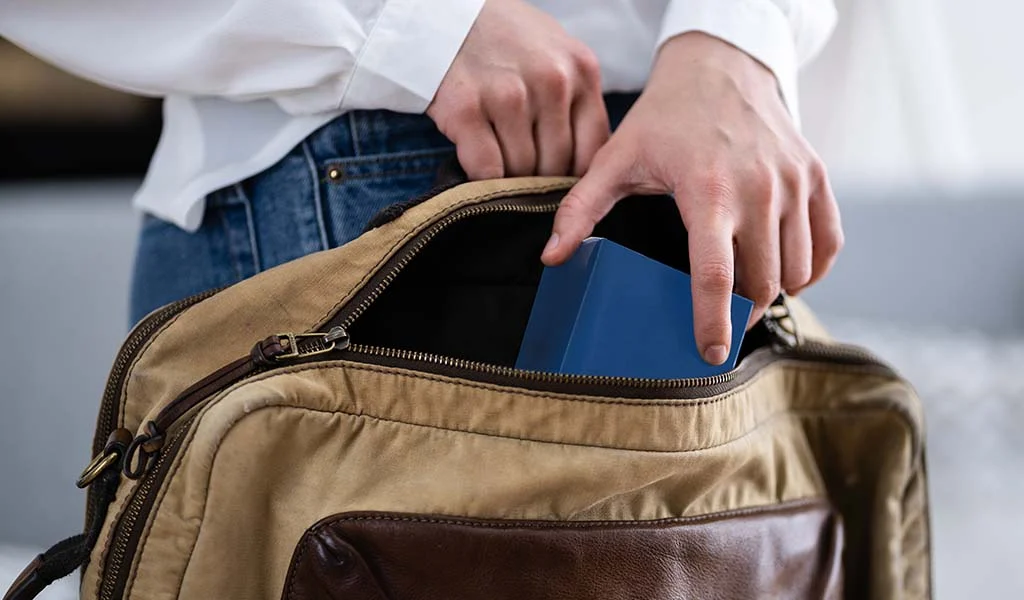
A retail camera system is most useful when it can help explain a specific event: an item leaving a display, a disputed transaction or a delivery entering the stockroom. Covering every shelf in a wide image is not the same as capturing useful detail.
Start with the store's layout and daily routines. A boutique, a convenience store and a large showroom have different sight lines and priorities. Seasonal displays can change those views without anyone moving a camera.
Follow the customer and merchandise paths
Mark entrances, checkout, high-value displays, stockroom access and delivery points on a plan. Decide which views need detail and which need to show movement through the store. Include transitions between areas so a review does not end at the edge of one camera's frame.
Check what happens when a customer stands at the counter or a queue forms. A display that looks unobstructed before opening may be blocked during normal trading. Test the layout under realistic conditions before accepting the installation.
At checkout, frame the operational area without unnecessarily capturing sensitive payment information. Discuss the proposed view with the person responsible for the store's payment and privacy procedures.
Plan for changing light and displays
Glass storefronts can create difficult contrast as sunlight changes. Exterior views need a separate nighttime check. Review actual recordings of someone entering, not just a bright still image from the live screen.
Keep a quick camera-view check on the checklist for major merchandising changes. Signs, seasonal decorations and tall shelves can create new blind spots. A maintenance routine should also include playback and export checks, not only lens cleaning.
Before a busy season, check recording history and user access. Extra opening hours or changed recording settings may affect how much history is available. Make sure a manager knows how to preserve an incident before routine overwriting occurs.
Keep the response practical
Decide who may review footage and how staff report an incident. A simple record of the approximate time, location and transaction reference can make later searching much faster.
Do not ask employees to confront a person solely because of an uncertain camera observation. The store's response procedure should address staff safety and escalation. Cameras can support a review; they do not remove the need for judgment or establish intent on their own.
If analytics or alerts are proposed, test them against ordinary activity. Busy entrances can generate notifications that add work without helping a manager act. A rule for an after-hours stockroom entrance may be more useful than a general alert for movement across the sales floor.
Give staff a clear operating policy
Explain the purpose of the cameras, the covered areas and who can access recordings. Avoid using a vague promise of "productivity improvement" to justify unnecessary monitoring. Keep cameras out of private spaces and have any audio capability separately reviewed before use.
Remote access should use appropriate individual permissions. See the remote viewing guide for account ownership and handover checks. An assistant manager may need playback without needing full system administration.
Smart Control can assess commercial camera coverage for retail properties in Greenville, Spartanburg, Anderson and nearby areas. Bring a floor plan, opening hours and the specific incidents or blind spots you want to address. That allows the proposal to focus on useful views and a workable recording process.