Property guides / Practical guide
Church Security Cameras: Plan Around People and Access
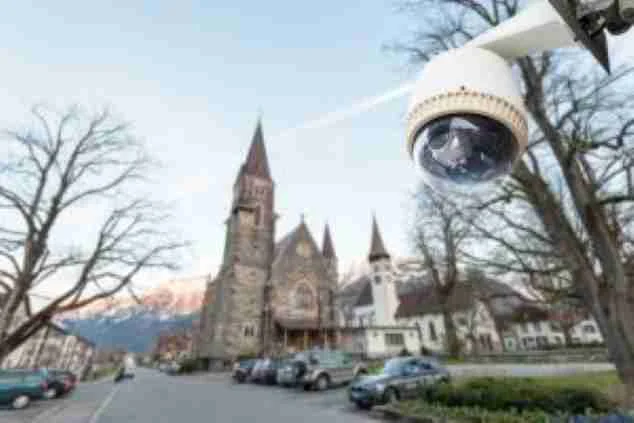
A church camera plan needs to work on a quiet weekday as well as during a busy service. Entrances, parking, shared rooms and volunteer access can change throughout the week, so the operating routine matters as much as the floor plan.
Begin with the concerns the congregation wants to address. A camera project can support access review and incident documentation. It should fit into the property's broader safety arrangements rather than being presented as a complete response to every threat.
Map how the building is used
Mark public entrances, staff or volunteer entrances, deliveries and the routes used for regular events. Note which rooms are shared with outside groups and how keys or access credentials are managed.
Give each proposed view a purpose. A main entrance may need useful detail as people arrive, while a parking overview may help explain movement. Review transitions between areas so an incident can be followed without unnecessary coverage of unrelated spaces.
Consider children, counseling activities and other sensitive uses before choosing camera positions. Have the responsible leadership and advisers approve privacy boundaries and operating rules. Cameras should not be placed in restrooms or other private spaces.
Test both busy and quiet conditions
Check the view with doors open, people entering and normal furniture or signs in place. A clear image in an empty lobby may be obstructed during an event. Exterior views need testing under the lighting used after the building closes.
Decide what needs to remain visible when the site is unoccupied. If a delivery entrance or equipment area is the priority, a focused view may be more useful than another broad image of the grounds.
Use the camera placement guide to distinguish overview coverage from detail. Keep the expectations for each view in the written scope.
Manage volunteer and staff access
Assign system access by role and use individual accounts where supported. A rotating volunteer may need a selected live view without needing recordings from earlier events or administrative settings.
Keep account ownership with the organization. Confirm who can recover access and how permissions are removed when a volunteer or staff member changes roles. Review physical keys and access credentials as well as camera logins.
If access control is part of the project, define how door schedules and event access will be managed. A camera showing a propped-open door does not resolve the operating habit that leaves it open.
Agree on response and footage handling
Designate who reviews an alert and what they should do. Notifications should support an approved procedure, not create an expectation that a volunteer will confront someone alone. Any professional monitoring arrangement needs its own defined scope.
Create a process for reporting an incident and preserving relevant footage before routine overwriting. Limit sharing and have a designated person handle requests. The retention policy guide gives practical questions for leadership to resolve.
Include playback, export, time settings and maintenance responsibility in handover. Recheck coverage when room uses or event arrangements change.
Smart Control can discuss camera and supporting network requirements for churches and other properties in Upstate South Carolina. Review our published project examples and bring the building plan, weekly routine and priority concerns to the first conversation. The agreed scope should make the system understandable to the people who will actually operate it.