Operation / Practical guide
A Practical Security Camera Maintenance Checklist
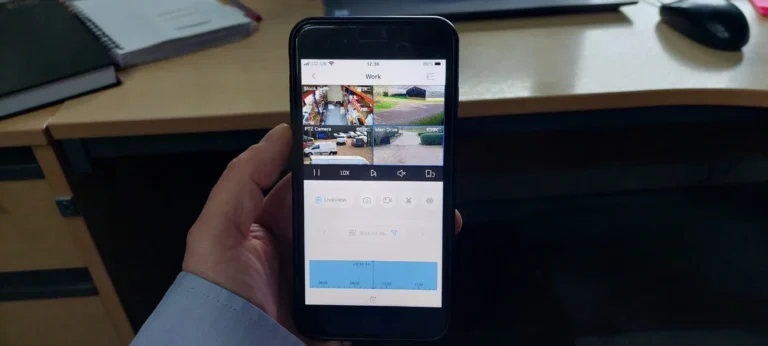
The most useful maintenance check is simple: find a recent event and play it back. A camera can appear on a live screen even when recording has stopped, the clock is wrong or storage is keeping less history than expected.
Set a maintenance schedule that fits the property, equipment and exposure. Busy loading areas, dusty spaces and outdoor cameras may need attention more often than a clean office. Follow the equipment manufacturer's care instructions rather than applying the same cleaning method everywhere.
Check what each camera can actually see
Compare current views with the intended coverage. Look for new shelves, signs, branches, cobwebs or parked equipment. Check whether a mount has shifted. A small movement can remove an entrance from the frame without producing a fault notification.
Inspect the important views during normal business hours and after dark. Night problems may include glare, reflections or an object close to infrared illumination. Review a moving person or vehicle, not just an empty scene.
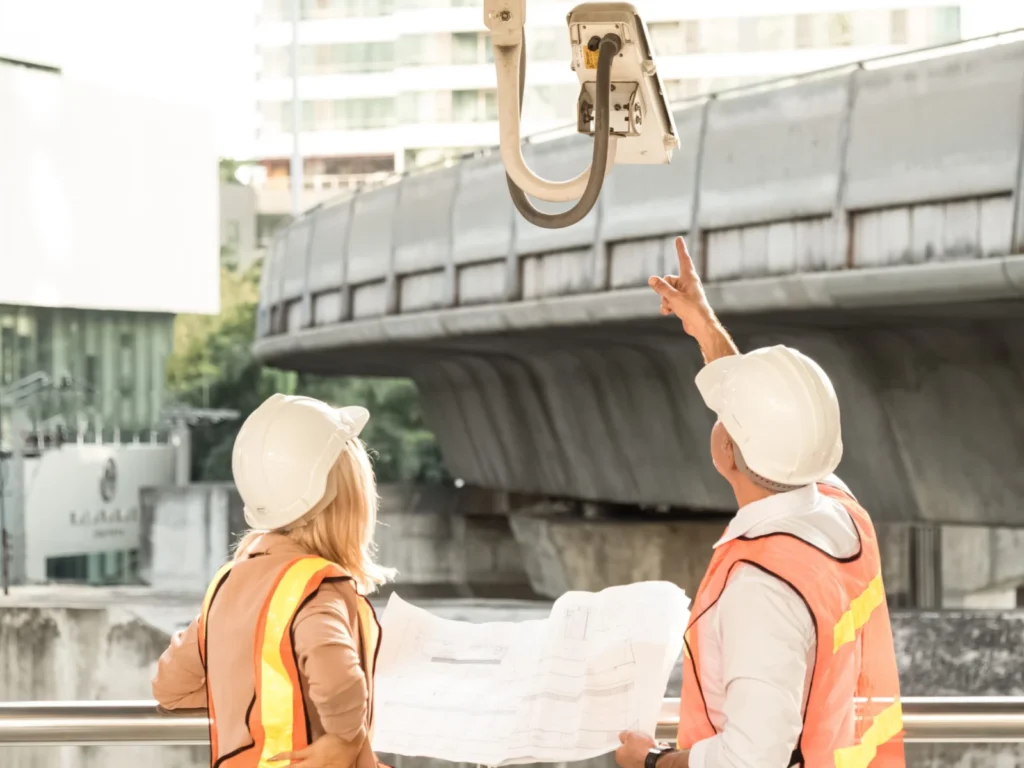
If a cover needs cleaning, use the manufacturer's approved materials and procedure. Do not scrape a coated surface or spray cleaners into seals and connectors. Arrange safe access for elevated equipment instead of improvising with ladders or leaning from a window.
Verify recording and storage
Choose footage from today and from near the oldest date you expect to retain. Confirm that the necessary cameras recorded during the intended hours. Look for gaps and check any recorder warnings.
Export a short test clip and open it on a separate authorized device. Check its timestamp and whether the recipient needs special playback software. A successful export test is more useful than assuming the process will be obvious during an incident.
Storage history can change when cameras or recording settings change. After adding a camera or increasing image settings, measure the available history again. See the retention policy guide for how to connect that measurement to a business requirement.
Inspect supporting equipment
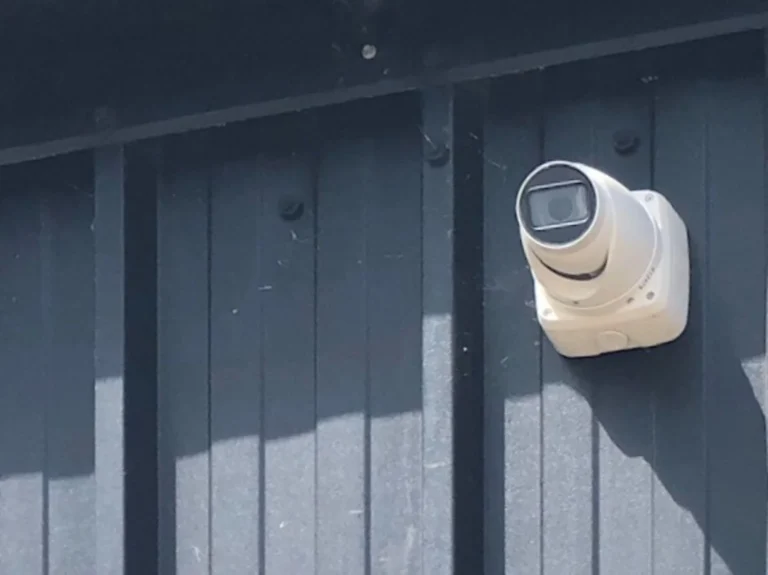
Check visible cable damage, loose mounts and exposed connections. Outdoor cable entries and junction boxes need appropriate protection for their location. Do not open energized equipment or attempt electrical repairs as part of a visual inspection.
Make sure the recorder and network equipment have suitable ventilation and controlled access. Check backup power equipment according to its instructions. A working camera cannot record to an unavailable recorder, so maintenance should cover the whole path.
Review available firmware and software updates through the supported process. Confirm compatibility and preserve required configuration information before making changes. Keep an equipment list so discontinued or unsupported components do not go unnoticed.
Troubleshoot without destroying evidence
When a camera goes offline, note the time, affected views and any recent changes. Check whether the fault is isolated or shared across several devices. A group of cameras failing together may point to common power or network equipment.
Avoid factory resets, formatting storage or repeated configuration changes before preserving relevant footage and settings. Those actions can remove information needed to understand both the incident and the fault. Record what you tried and the result.
Finish each check with a short log: date, camera or component, issue, action and follow-up owner. If recurring faults or poor image quality remain, use the upgrade assessment guide to decide whether a targeted repair or replacement is warranted. Smart Control can review maintenance and repair needs within a confirmed camera service scope.