Property guides / Practical guide
Restaurant Security Cameras: A Practical Layout Guide
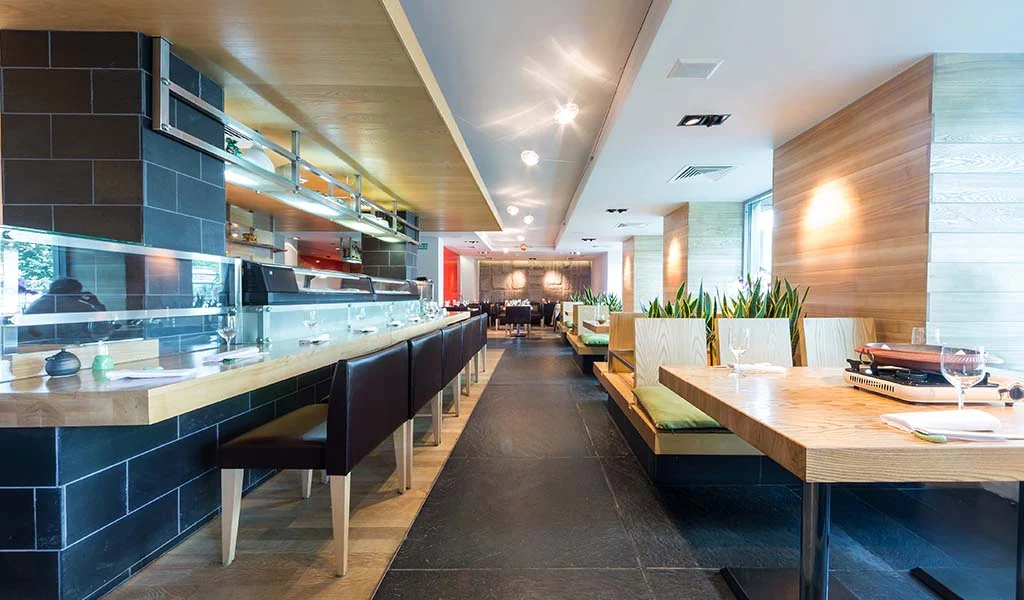
Restaurants need camera views that remain useful when the room is busy, the lights are dimmed and deliveries arrive through a separate door. A layout designed around an empty dining room may miss the conditions that matter during service.
Start with operational questions. Do you need to review a handoff at the counter, a delivery discrepancy or activity near the back door after closing? Each question helps define a camera view and the people who need access to it.
Prioritize entrances and handoff points
Map the public entrance, takeout pickup area, checkout, delivery entrance and access to storage. An overview can help explain movement through a room, while a tighter view may be needed at a particular handoff point.
Keep the camera's purpose visible in the plan. A dining-room overview should not be expected to show every transaction in detail. At the register, consider where staff and customers stand and avoid unnecessary capture of sensitive payment information.
Check delivery views with doors open and with stock in its usual position. A camera above an unobstructed doorway can lose much of its value when boxes or carts regularly block the scene.
Test the restaurant's real lighting
Review recordings during lunch, evening service and the closing routine if those conditions differ. A bright kitchen behind a dim service area can create a difficult image. Decorative lights, reflections and exterior headlights may also affect a view.
Use a moving person in the test. The goal is useful recorded detail during normal activity, not an attractive still picture. Our image quality guide explains why resolution alone is not enough.
Outdoor cameras need a view that remains useful after exterior lighting changes. Confirm which lights stay on after closing and who is responsible for that schedule. Camera configuration should match the actual routine.
Plan for cleaning and maintenance access
Kitchen-adjacent equipment can face grease, moisture and regular cleaning. Choose the location and product for that environment and follow the manufacturer's installation and care instructions. Keep equipment and cable routes clear of food handling and cleaning operations as required by the property's procedures.
Make cameras reachable for safe maintenance without creating a recurring disruption during service. Inspect views for buildup or accidental movement after cleaning. Include the recorder, time settings and playback in the maintenance checklist.
Control access to recordings
Decide which managers can view footage, export a clip or change settings. Shared administrator credentials make access harder to manage when staffing changes. Business-controlled accounts and appropriate individual permissions make the handover clearer.
Have a simple incident process: note the approximate time, relevant area and reason for preserving footage. Save the necessary context before the recorder overwrites it. Avoid circulating clips casually in staff messaging groups.
Explain camera use to employees and address privacy before installation. Restrooms and other private areas do not belong in the coverage plan. Audio recording needs separate legal and policy review; the presence of a microphone is not a reason to enable it.
For a restaurant in Upstate South Carolina, Smart Control can review camera and supporting low-voltage requirements. Share the floor plan, operating hours and delivery routine with your inquiry. The most useful scope describes the view at each location, the recording requirement and the checks to complete before handover.