Equipment / Practical guide
Security Camera Types: What Actually Changes the Image?
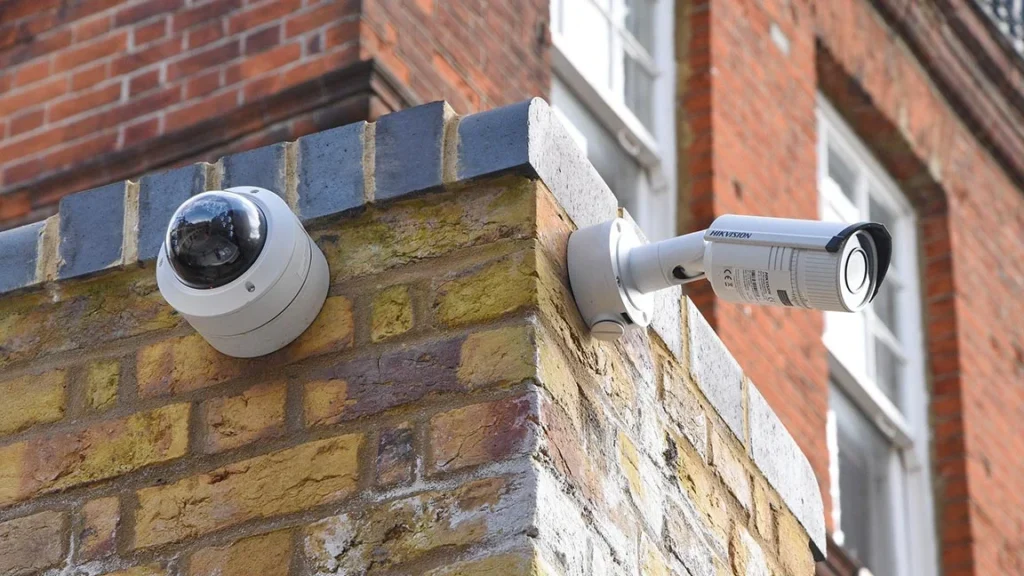
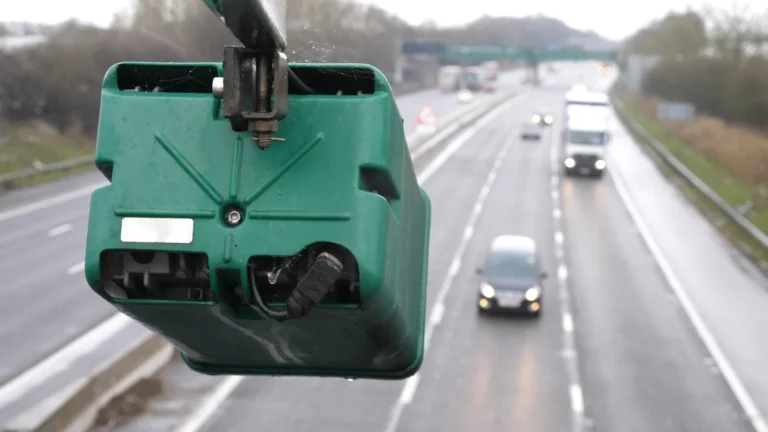
Dome, turret and bullet describe camera shapes. HD and 4K describe image resolution. Wired and wireless describe connections. These labels answer different questions, and none of them alone tells you whether a camera will capture the detail your business needs.
Start with the intended view. A doorway, a dark yard and a bright reception area can require different lenses, settings and mounting arrangements even when the cameras have the same resolution.
Understand the housing choices
A dome camera has a cover over its imaging assembly. Depending on its design and rating, that can provide useful physical protection. The cover also needs to stay clean and undamaged. Dirt or reflections can affect the picture, particularly with infrared illumination.
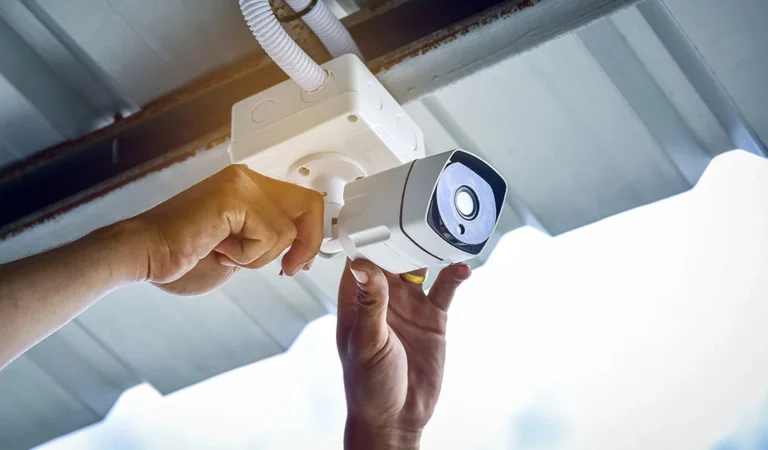
A turret has an adjustable camera body in a compact mounting assembly. A bullet uses an elongated housing that makes its direction more obvious. Choose among them based on mounting, exposure, maintenance access and the specific product's ratings. A shape by itself does not establish weather resistance or resistance to impact.
A pan-tilt-zoom camera can change direction and optical zoom. It can be useful when someone actively controls it or a well-tested preset routine serves a defined purpose. It cannot show every direction at once. Keep fixed coverage where an uninterrupted view is essential.
Match the lens to the task
A wider view fits more of a room into the frame. It spreads the available image detail over that larger area. A tighter view can provide more useful detail at a particular entrance while leaving surrounding space outside the picture.
Ask for the proposed field of view on a plan and verify it at the property. A varifocal lens can provide adjustment during installation, but it does not remove the need to select the right mounting location. Axis's surveillance lens guide explains the relationship between lens choice, field of view and image formation.
Treat resolution as one part of image quality
More pixels can be useful when the lens and scene support the task. They do not automatically fix motion blur, poor focus, glare or an obstructed view. Higher-resolution recording can also increase storage and network requirements, depending on compression and settings.
Review a moving person in the recorded image. Can you distinguish the detail you need at the relevant distance? Check the same location after dark. A sharp daytime still frame is not a complete acceptance test.
Features such as wide dynamic range, exposure control and infrared illumination can help in particular conditions. They also need configuration. A bright entrance behind a person deserves its own test, as does a camera looking past a nearby wall at night.
Check the complete system
The camera creates an image, the network carries it, and a recorder or supported storage service retains it. The viewing software needs to support the functions you intend to use. Confirm recording resolution, playback, exports and event features for the actual combination of devices.
For mixed-brand systems, ask which ONVIF profiles the registered camera and client products support. Matching a required profile is more meaningful than a vague "ONVIF compatible" label. Additional manufacturer features still need checking.
Before accepting a quote, list the view, housing, lens, recording settings and nighttime test for each location. Our camera placement guide can help turn those details into a practical coverage plan. Smart Control can then assess the installation scope for your Upstate South Carolina property.