Property guides / Practical guide
Hotel Security Cameras: Useful Views Without Overreach
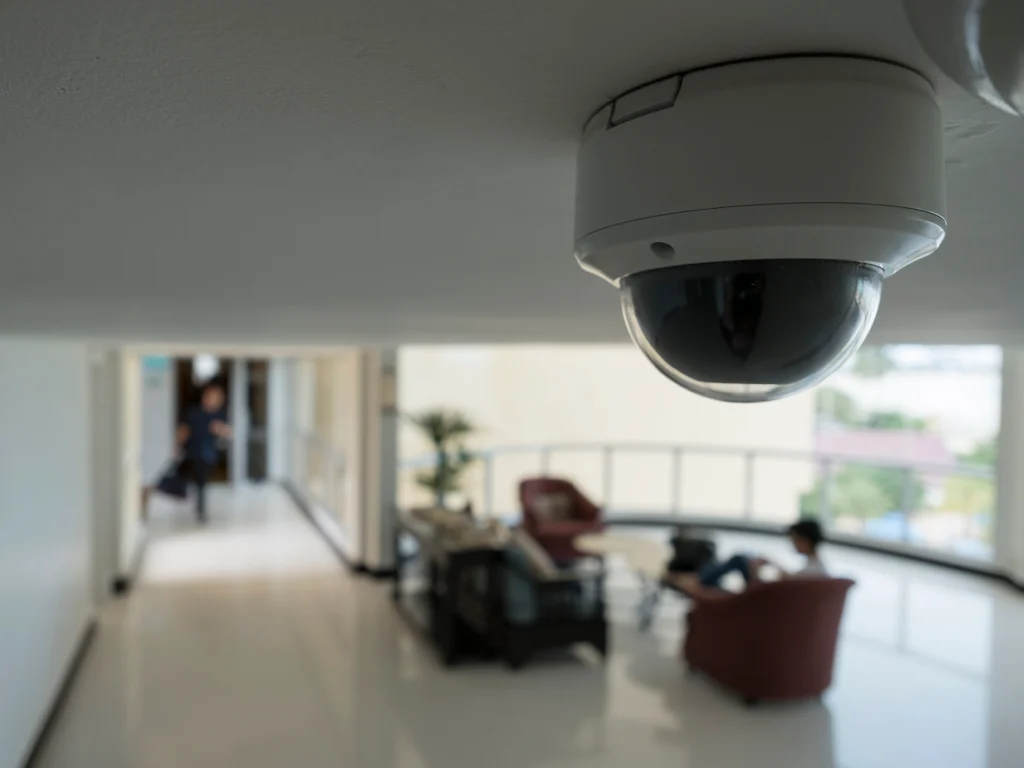
Hotel camera planning needs to account for a property that operates around the clock. The useful view at a bright reception desk may be very different from the view of a side entrance late at night.
Start with entrances, public circulation and specific operational problems. Buying 4K cameras for every location does not automatically produce useful evidence or a sensible privacy boundary.
Map arrival and access routes
Review the main entrance, reception approach, public corridors, elevators where applicable, parking approaches and staff delivery areas. Identify where an overview is sufficient and where a more focused view is needed.
Check how people move between those areas. An isolated image of a lobby may provide less context than a sequence that includes entry and movement toward a public corridor. Plan continuity without extending coverage into private spaces.
Guest rooms, restrooms and changing areas do not belong in a routine hotel security coverage plan. Be careful with door angles that could look into rooms when they open. Have the property's privacy and legal requirements reviewed before finalizing positions.
Test the conditions that change overnight
Inspect exterior views with the lighting used during the actual overnight routine. Headlights, bright signs and dim pathways can create difficult scenes. Ask for recorded tests of a moving person rather than judging an empty live preview.
A camera aimed across a parking lot should not be assumed to capture readable plates. If that is a requirement, give it a dedicated design and acceptance test. See the license plate camera guide before making it part of the scope.
Interior lighting can also change between busy periods and overnight operation. Review entrance contrast and reflections at those times. Resolution is only one part of the image, as explained in the camera feature guide.
Give each staff role appropriate access
Front-desk staff may need selected live views to understand activity at an entrance. Managers may need recorded playback. A smaller group can retain responsibility for exports and system changes.
Use individual accounts where supported and remove access promptly when roles change. Confirm that system recovery details belong to the property or its designated operator. Avoid leaving a former manager's personal account as the only route to administration.
The property's incident process should tell staff how to report a relevant time and location. It should also identify who preserves footage and who decides whether it can be released. Do not circulate guest recordings casually between employees.
Include maintenance in the operating routine
Check playback, storage history and timestamps at a documented interval. Review views after furniture, signs, landscaping or door arrangements change. Keep recording equipment in an appropriate secured space and plan safe access for maintenance.
For an upgrade, identify which existing cable and equipment can be retained after inspection. Agree how recording interruptions will be managed while work takes place. The upgrade planning guide can help organize that assessment.
Smart Control can discuss camera and low-voltage requirements for hospitality properties in Upstate South Carolina. Bring the property layout, current equipment information and the operational problems you need to address. The scope should describe coverage, privacy boundaries, recording requirements and handover tests in terms the property's managers can use.