Property guides / Practical guide
Home Security Camera Placement and Privacy
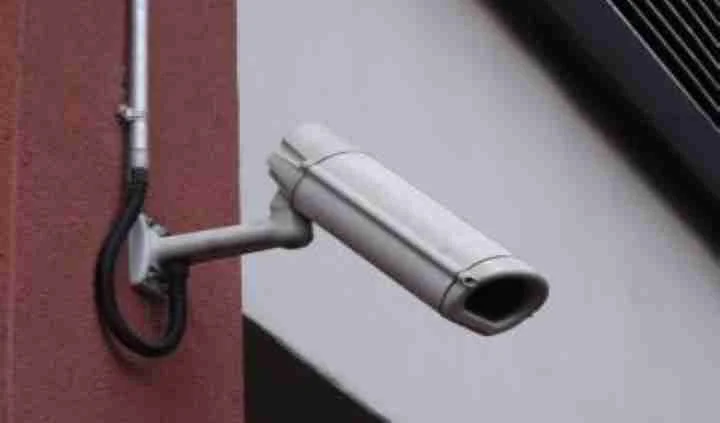
Home cameras are easier to plan when each view has a clear purpose. Seeing who approaches the front door is a different task from watching the whole driveway or checking a detached building.
Start with entrances and the areas you are responsible for. A wider image is not automatically better if it captures a neighbor's windows while providing little useful detail at your own door.
Choose a few purposeful views
Mark the front entrance, other exterior doors, driveway and any outbuilding that needs coverage. Decide whether you need to see an arrival, distinguish a person at a doorway or review activity around stored equipment.
Check the proposed image from the actual mounting position. A camera mounted very high may be protected from easy reach but show mostly the tops of heads. A lower position may offer better detail while needing a different approach to physical protection.
Look for obstructions when doors open and vehicles are parked normally. Plants and seasonal decorations can also change the view. The camera placement guide describes the same purpose-first approach for more complex properties.
Limit unnecessary recording
Aim toward your own access points and avoid unnecessary views into neighboring homes or private spaces. Supported privacy masks can help in some installations, but check that they apply to recordings and exports as expected.
Do not hide cameras in bathrooms, bedrooms used by guests or other spaces where people reasonably expect privacy. If a proposed indoor use involves caregivers, tenants, employees or visitors, obtain appropriate legal guidance and establish notice or consent requirements before installing it. Covert recording is not a shortcut around that review.
Audio deserves a separate decision. A camera containing a microphone does not establish permission to record conversations. Leave audio disabled unless its use has been reviewed for the specific situation.
Check nighttime performance
Test the view under normal evening lighting. A porch light, reflective surface or passing headlights can change the image. Review a recording of someone walking toward the entrance rather than relying only on a still daytime preview.
Infrared illumination can interact poorly with nearby objects or glass. An indoor camera aimed through a window may not provide the nighttime result expected from its product description. Test the intended position before committing to it.
Make sure the image shows the useful area at the relevant distance. More resolution does not repair a poor angle or motion blur. Our camera feature guide explains the main tradeoffs.
Keep remote access under control
Use businesslike account discipline even for a home system: unique credentials, available multifactor authentication and access only for the people who need it. Check account ownership and recovery information during setup.
Know where recordings are stored, what subscriptions are required and what stops working if the internet fails. Test playback and the oldest available recording. A functioning phone notification does not prove that the event was retained.
For an Upstate South Carolina property, Smart Control can discuss camera installation requirements within the confirmed project scope. Share the areas you want covered and any privacy concerns at the start. A useful plan should explain both what the cameras will show and the boundaries that keep the coverage appropriate.