Property guides / Practical guide
Security Cameras for Apartments and Shared Properties
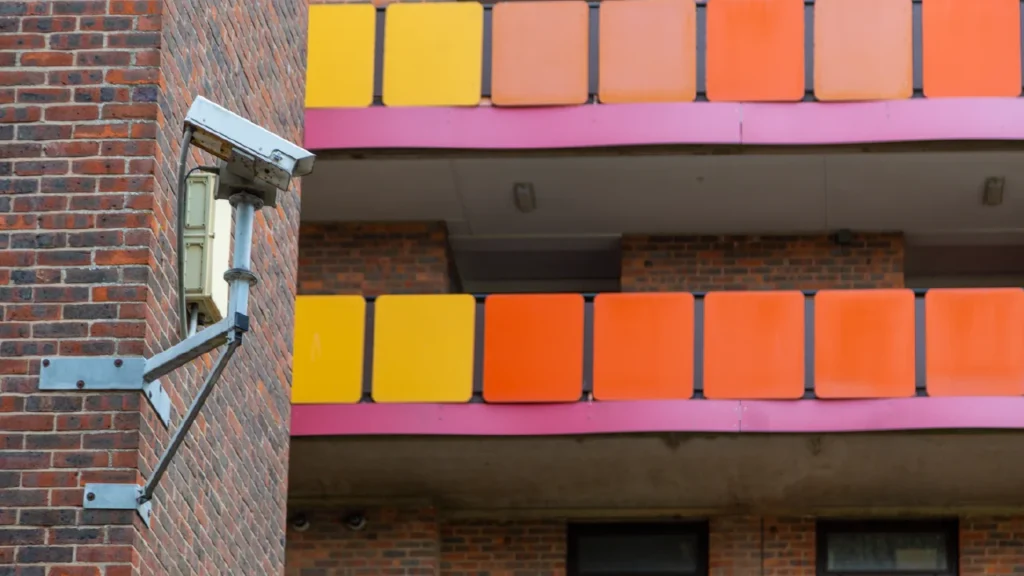
Shared-property cameras need a clear boundary between common-area security and residents' private lives. Start with the problems the property manager needs to address, such as damage near a shared entrance, delivery disputes or dumping beside a waste enclosure.
Do not begin by trying to record everything. A defined purpose makes camera placement, access permissions and footage handling easier to explain to residents and staff.
Focus on common-area transitions
Review building entrances, shared parking approaches, mail or package areas and service access. Decide where you need a broad sequence of events and where closer detail matters. A long parking overview may not provide the same information as a focused entrance view.
Check whether proposed angles look through residential windows or into private patios. Adjust framing or supported privacy masks where appropriate, then verify the result in recorded footage. Do not assume that a live-screen mask automatically applies to every stream and export without checking the product's behavior.
For a waste enclosure, consider the approach as well as the container itself. A useful view might show the sequence of a vehicle arriving and material being left, while avoiding unrelated areas. Cameras alone will not resolve access, collection or signage problems.
Coordinate with property operations
Give maintenance staff a way to report obstructed or damaged cameras. Landscaping, new signs and changed parking arrangements can affect views over time. Add camera checks to the process for significant common-area changes.
If the property uses access control, decide how access events and video will be reviewed together. Keep the system clocks aligned and identify whether the connection is a supported software feature or a manual comparison.
Do not assume tenants should receive unrestricted access to shared-area feeds. Decide who has an operational role and configure permissions accordingly. The remote viewing guide explains how to avoid shared administrator accounts.
Set a footage request process
Residents need a clear way to report an incident promptly. Ask for the approximate time, location and a description that helps authorized staff find the relevant footage. Preserve the necessary period before ordinary overwriting occurs.
Appoint a person to handle requests and obtain the appropriate review before disclosure. A recording may include other residents or visitors. Having access to the recorder is not by itself a reason to distribute a clip.
Document the retention target and any process for holding footage connected with an incident. Keep a record of exports and recipients. Our recording policy guide provides a practical starting point for those operational decisions.
Keep installation and acceptance specific
Test entrances at night, including the effect of headlights and normal exterior lighting. Review footage with people walking through the intended areas. Check that the proposed storage and recording schedule meet the agreed requirement in practice.
Protect the recorder and supporting network equipment from casual access. Confirm who owns the accounts, who updates them when management changes and which party arranges repairs. Those details matter at a property that may have several contractors and staff roles.
Smart Control can assess commercial camera and network requirements for managed properties in Greenville, Spartanburg, Anderson and nearby areas. Share the site plan and the specific common-area concerns. Any resident notice, legal requirements and disclosure policy should be reviewed by the property's responsible management and advisers before operation.